

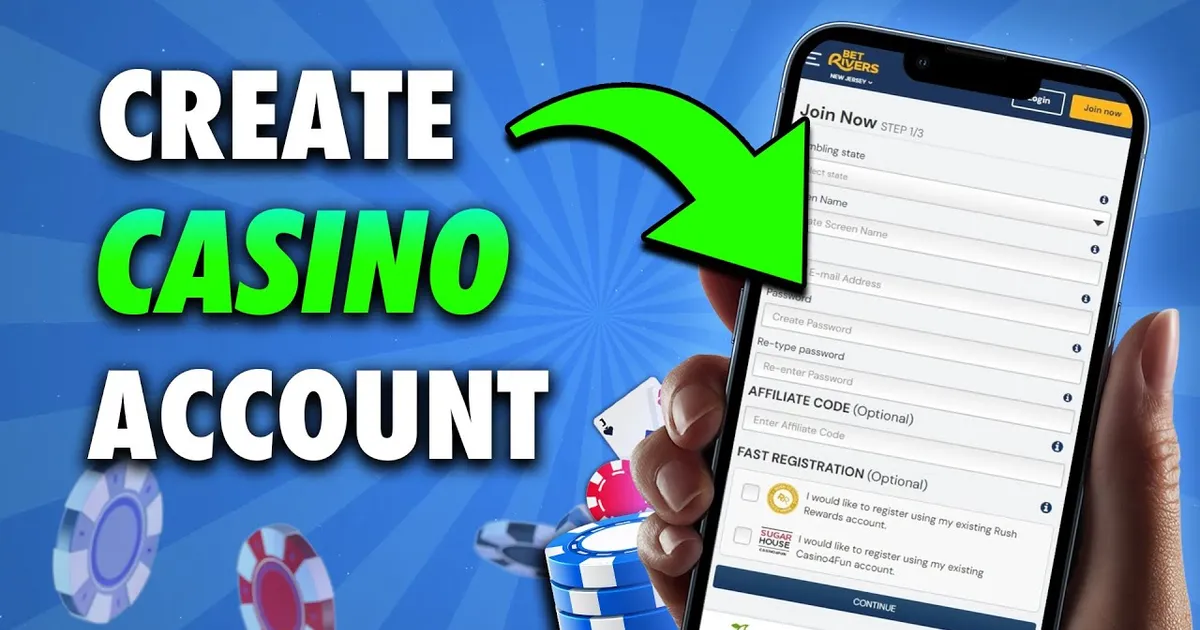
Setting up your online casino account correctly from day one is the most critical step to ensuring seamless gaming and fast, hassle-free withdrawals. When you complete your 8k8 register workflow, entering accurate personal details and linking your verified Philippine financial accounts prevents future payment rejections.
This comprehensive technical guide walks you through the entire 8k8 register sequence, outlines the mandatory legal eligibility criteria in the Philippines, explains how to match your profile with GCash or Maya, and troubleshoots common sign-up errors so you can start playing with confidence.
Technical Specifications: Account Onboarding Requirements
| Parameter | Requirement / Guideline |
|---|---|
| Minimum Legal Age | 21 years old (Strictly enforced under Philippine gaming standards) |
| Accepted Contact Channels | Active Philippine Mobile Number (Globe, TM, Smart, TNT, DITO) |
| Supported Currencies | Philippine Peso (PHP / ₱) |
| Username Parameters | 6–14 alphanumeric characters (no special characters or spaces) |
| Password Complexity | 8–16 characters with combined letters and numerals |
| KYC Documentation | Valid Government-issued Photo ID (PhilSys ID, Driver's License, Passport, UMID) |
| E-Wallet Binding Rule | Real name on 8K8 account must match GCash/Maya registered name exactly |
Step-by-Step 8K8 Register Walkthrough
Follow these sequential steps to complete your 8k8 register procedure without running into verification bottlenecks.
Step 1: Access the Official Registration Portal
- Open your mobile browser or desktop client and navigate to the verified portal (8k8bet.ph).
- Locate and tap the prominent Register or Sign Up button positioned at the top right of the navigation header.
Step 2: Configure Your Player Identity & Security
- Choose a Unique Username: Create an account handle between 6 and 14 characters. Avoid using your real full name or sensitive private identifiers.
- Set a Strong Security Password: Combine uppercase letters, lowercase letters, and numbers. Do not reuse passwords from your email or social media profiles.
- Confirm Password: Re-enter your selected password to ensure there are no typographical errors.
Step 3: Input and Verify Your Mobile Number
- Enter your active 10-digit or 11-digit Philippine mobile telephone number (e.g.,
09XXXXXXXXX). - Tap the Send SMS Code verification button.
- Check your phone's SMS inbox for the 4-to-6-digit verification code.
- Input the code into the verification box before the countdown timer expires (typically 120 seconds).
Step 4: Complete Legal Compliance & Finalize Account
- Check the box confirming that you are at least 21 years of age and agree to the platform's terms and conditions.
- If you were invited by an existing member, enter their optional referral or agent code.
- Click Submit Registration to finalize the 8k8 register process.
Critical Onboarding Step: Binding Your GCash or Maya Account
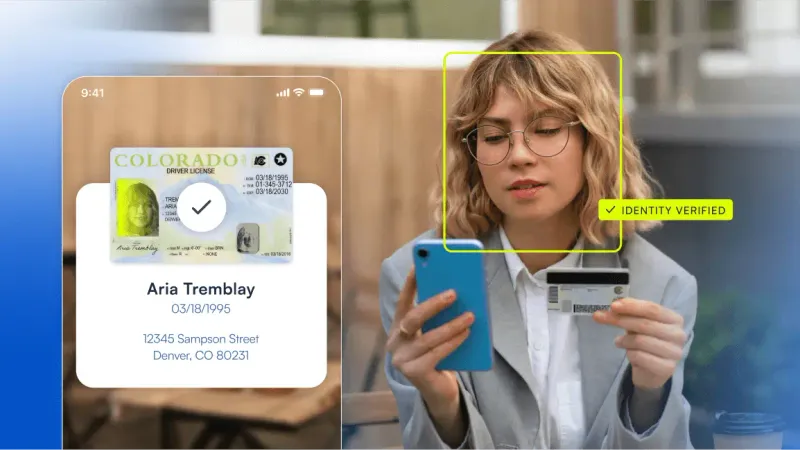
The single most common reason players experience delayed withdrawals is a discrepancy between their registered casino name and their e-wallet account name. Follow this rule immediately after you complete your 8k8 register step:
E-WALLET BINDING COMPLIANCE CHECK
[Casino Real Name: Juan Dela Cruz]  ==MUST MATCH==  [GCash Name: Juan Dela Cruz]
                                          │
                  ┌───────────────────────┴───────────────────────┐
                  ▼                                               ▼
     MATCH: Instant Cashouts                       MISMATCH: Automated Payout Hold
     Funds credited in 15–30 mins.                 Requires manual KYC agent review.
- Go to your User Center or Account Profile tab.
- Select Bank / E-Wallet Management and tap Add Withdrawal Method.
- Choose GCash or PayMaya.
- Enter your full registered legal name exactly as it appears on your verified e-wallet profile.
- Input your 11-digit mobile wallet number and confirm via SMS verification.
Troubleshooting Common 8K8 Register Issues
If you encounter errors while completing your 8k8 register form, consult this diagnostic table:
| Registration Error | Common Cause | Actionable Solution |
|---|---|---|
| "Mobile Number Already Registered" | The phone number has previously been associated with an account. | Use the 8K8 Login Guide password recovery tool, or register with an alternate active personal number. |
| "Username Already Taken" | Another member is already using the selected username. | Append 2 to 4 unique numbers to the end of your preferred handle. |
| "SMS OTP Not Received" | Network congestion, carrier SMS filtering, or phone number typo. | Verify your phone signal, ensure mobile number begins with 09, and wait 60 seconds before requesting a resend. |
| "Invalid Characters in Password" | The password contains disallowed symbols (e.g., < > { }). |
Restrict your password to letters (A–Z, a–z) and numerals (0–9). |
| "Verification Code Expired" | The SMS OTP was entered after the 2-minute validity window. | Tap "Resend Code" to generate a fresh OTP token. |
How to Claim Your Sign-Up Bonus After Registering
Once your 8k8 register sequence is complete, you can unlock new-player incentives such as the 100% first deposit bonus or introductory trial credits:
- Log into your freshly registered account profile.
- Navigate to the Promotion Center from the main dashboard.
- Locate the New Member Welcome Bonus or Sign-Up Trial Credit.
- Tap Apply or Claim before placing your first gaming wager.
- Review the turnover requirement (typically 15x–20x) and applicable game categories (slots and fishing games usually contribute 100% toward turnover).
For a complete breakdown of wagering calculations and rollover conditions, read our dedicated 8K8 Promotions Guide.
Essential Account Security & Privacy Practices
Protecting your newly created 8K8 account requires proactive security habits:
- One Account Per Player Policy: Creating multiple accounts under the same household IP address, name, or payment account violates platform terms and can result in account forfeiture.
- Keep Mobile Number Active: Since password resets and sensitive withdrawal approvals rely on SMS verification, maintain regular activity on your registered SIM card.
- Verify Official Domains: Never execute an 8k8 register process on links received via unsolicited SMS or random social media messages. Only register on verified, secure domains.
Frequently Asked Questions About 8K8 Register
Can I register an 8K8 account if I am under 21 years old?
No. In compliance with Philippine gaming standards, you must be at least 21 years of age to participate. Accounts found violating this requirement will be permanently closed.
Is registration free on 8K8?
Yes. Completing an 8k8 register form is 100% free. You are not required to deposit funds simply to create your account or explore the gaming lobby.
Can I change my registered username after creating my account?
No. Once your 8k8 register submission is finalized, your username becomes your permanent system identifier and cannot be modified.
Can I use someone else's GCash account to deposit or withdraw?
No. Third-party e-wallet transactions are strictly prohibited. The full legal name registered on your 8K8 account must match your e-wallet account name.